
Quantum Proxies: a website designed and built with AI, without Figma
How I designed and built quantumproxies.net with AI and no Figma file, in under two days: MCPs, sources of truth, references, tokens and taste.
By Alexander Cillán · · 6 min read
- Client
- Quantum Proxies, proxy and server provider
- Services
- Website design, front end development, 3D renders
- Tools
- AI agents, AI image generation and a private reference library
- Timeline
- Under 2 days, three rounds, October 2026
- Delivered
- The full website, designed and built
On this page· 9
Quantum Proxies sells ISP, residential and mobile proxies, plus the servers to run them on. They wanted a new website “up to our standards”: dark mode only, built around the sections they already had, with sharper copy.
I designed and built it with AI from the first line to the approved final, and there was never a Figma file. The first full draft was ready within the hour. The approved final came less than two days after the brief, after three rounds of feedback. It’s live at quantumproxies.net.
This case study is about how that’s possible now, and about what it takes to make the result good, not just fast.
Why skip Figma at all
A Figma file is a picture of a website. Every review of it raises questions only the real thing can answer: how it moves, what happens on hover, where the text wraps on a phone, how fast it loads.
Designing directly in code with an AI agent closes that gap. Every round the client reviewed was the actual website, with real motion, real states and real breakpoints. Their feedback landed on the thing that would ship, and nothing got lost in a handoff, because there was no handoff.
Speed alone isn’t the point, though. An AI that writes code fast will also produce generic work fast. What made this site good came down to five things.
MCPs: give the AI hands, not just a chat box
MCP (Model Context Protocol) servers connect an AI agent to real tools. Instead of describing a reference or a render, the agent can go and get it, make it, or check it. On this project it could look up patterns in real product interfaces, generate the 3D renders, and open the site in a browser to look at its own work.
The last one matters most. An agent that can see what it built, at every screen size, catches its own mistakes before the client does.
Sources of truth: nothing invented
AI fills gaps with plausible fiction, and a proxy site full of made up uptime figures is worse than an ugly one. The client put it simply: “don’t make any information up.” So every figure, claim and review on the site comes from Quantum’s own sources, and nothing else goes on the page.
When the agent filled a gap anyway, it was caught and cut. When something couldn’t be confirmed, it went to the client as a question instead of onto the page. And a running record of every round, decision and open question meant each new round started from facts instead of from memory.
Visual references: taste goes in first
An AI with no references gives you the average of the internet. References are where the taste comes in, so they came first: sites the client admired, their brand files, and a reference library I’ve been building for years, searched and added to as the project went.
References set the bar; they’re not there to be copied. The hero and the map both ended up as things none of the references had.
Tokens: one place for every decision
Color, type, corners, glass and motion all live as design tokens: one place where every visual decision is written down. The blue comes straight from the logo, and the glass is a single recipe, so every panel takes its color from whatever sits behind it and every card inside a card lines up.
Tokens are what make AI design fast to change. When the client asked for a plainer headline font in round two, the change reached every page at once instead of being redrawn screen by screen.
Creativity: the part you can’t delegate
The most useful feedback in the whole project came in round two. The client said the floating cards and the live console in the hero “look AI”, and that the font of the section labels “screams AI”. They were right: that was the generic, everything moves look AI tends toward. Most of it went, the labels moved to a wide typeface that echoes the wordmark, and the LED mark now carries the hero on its own.
What stayed are the ideas with a point of view:
- The LED hero. The Quantum mark is drawn in light through a grid of LED cells. Move your cursor across it and the cells under it light up.
- Servers that stack. Dedicated, VPS and Root each got a chassis of their own, all seen from the same angle, so they stack into one rack that slides apart like drawers.
- Glass homes on one grid. The houses on the Residential page all stand on the same blue grid, and the exit IP hops from roof to roof.
Speed means trying more ideas, not settling for the first one. Some visuals went through half a dozen versions before they were right.
Results
- from brief to approved final
- < 2 days
- of active work
- ~10 h
- rounds of feedback
- 3
- Figma files
- 0
The site is lightweight and framework free, so the client’s team can host it anywhere. Optimizing for launch cut the landing page’s weight by about 40% and brought its first paint on a slow mobile connection under three seconds. There’s more on the look itself in the design of Quantum Proxies.
How fast this is moving
In spring 2024, the Timepiece FNF brand and website took ten weeks to reach a launch ready design, in Figma. Quantum Proxies went from brief to an approved, working website in under two days, and the client reviewed the real thing three times along the way.
The bottleneck has moved. Producing pages is no longer the slow part. Judgment is: choosing the references, holding the line on facts, and knowing which ideas to cut. The tools will keep getting faster; taste is what decides whether the result is any good.
If you want a website made this way, let’s talk.
Frequently asked questions
Can you design a professional website with AI and no Figma?
Yes, when the AI works in real code with access to real tools, real content and good references, and a designer reviews every round. Quantum Proxies went from brief to an approved final this way in under two days.
What is an MCP?
MCP (Model Context Protocol) is an open standard that connects AI agents to outside tools and data. In design, it lets the agent search references, generate images and check its own work in a browser instead of guessing.
How do you stop an AI website from looking generic?
Start from strong references, keep every design decision in one place, and cut anything that looks like an AI made it. Then commit to one idea with a point of view, like the LED hero on Quantum Proxies.
Is the code ready for production?
Yes. It’s lightweight, framework free and ready to host anywhere, with documentation for the client’s team.
Is there still a place for Figma?
Yes, when a team needs a shared file to explore many directions side by side. For a website that one team reviews together, the website itself is the better canvas.
Keep reading
Case study · October 5, 2026 · 6 min read
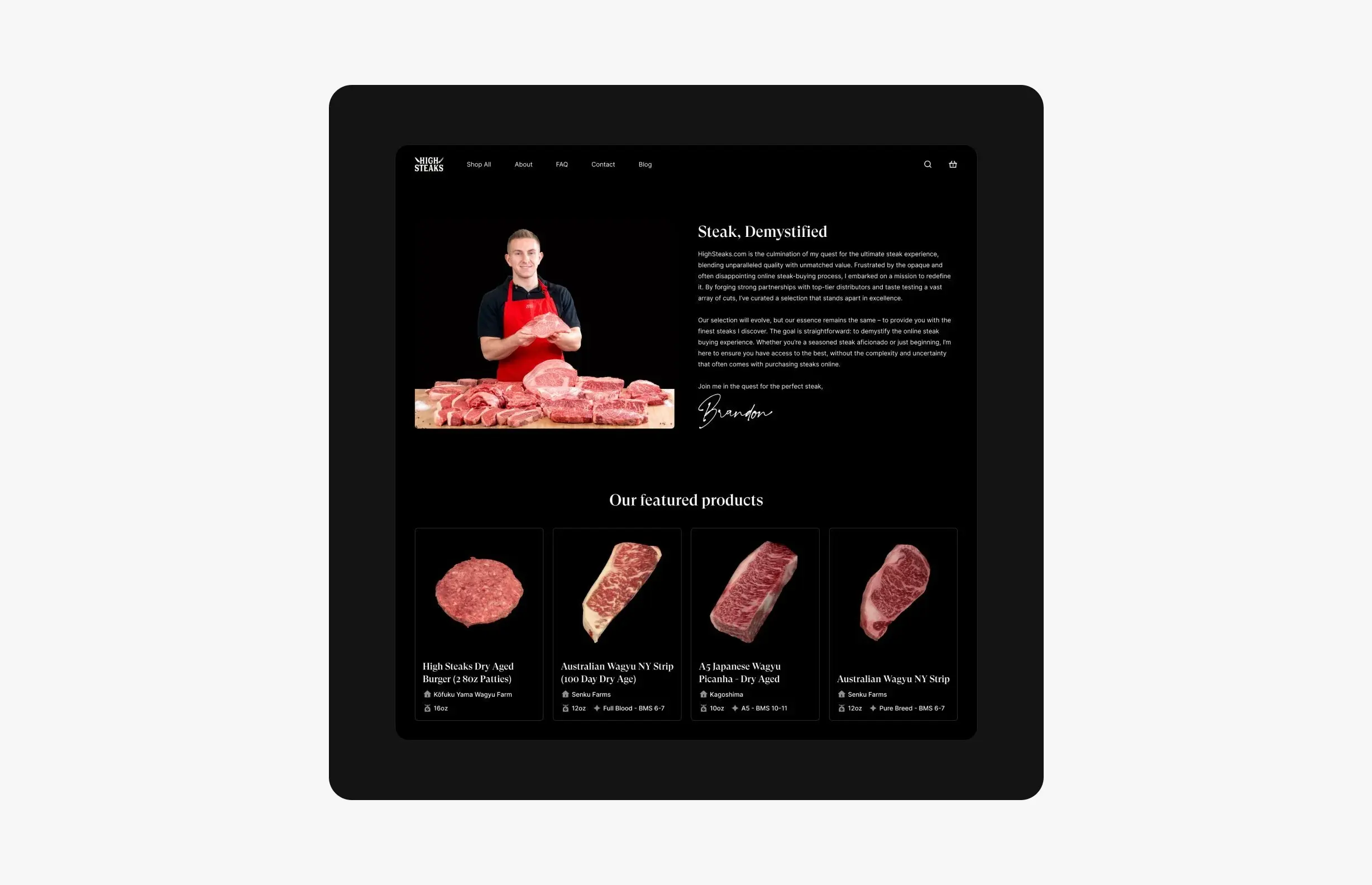
HighSteaks: branding and e-commerce for a creator-led butcher shop
How I refreshed HighSteaks’ knife logo and designed a mobile-first store that turns a New York butcher’s 150K+ social following into online customers.
Case study · August 9, 2026 · 6 min read
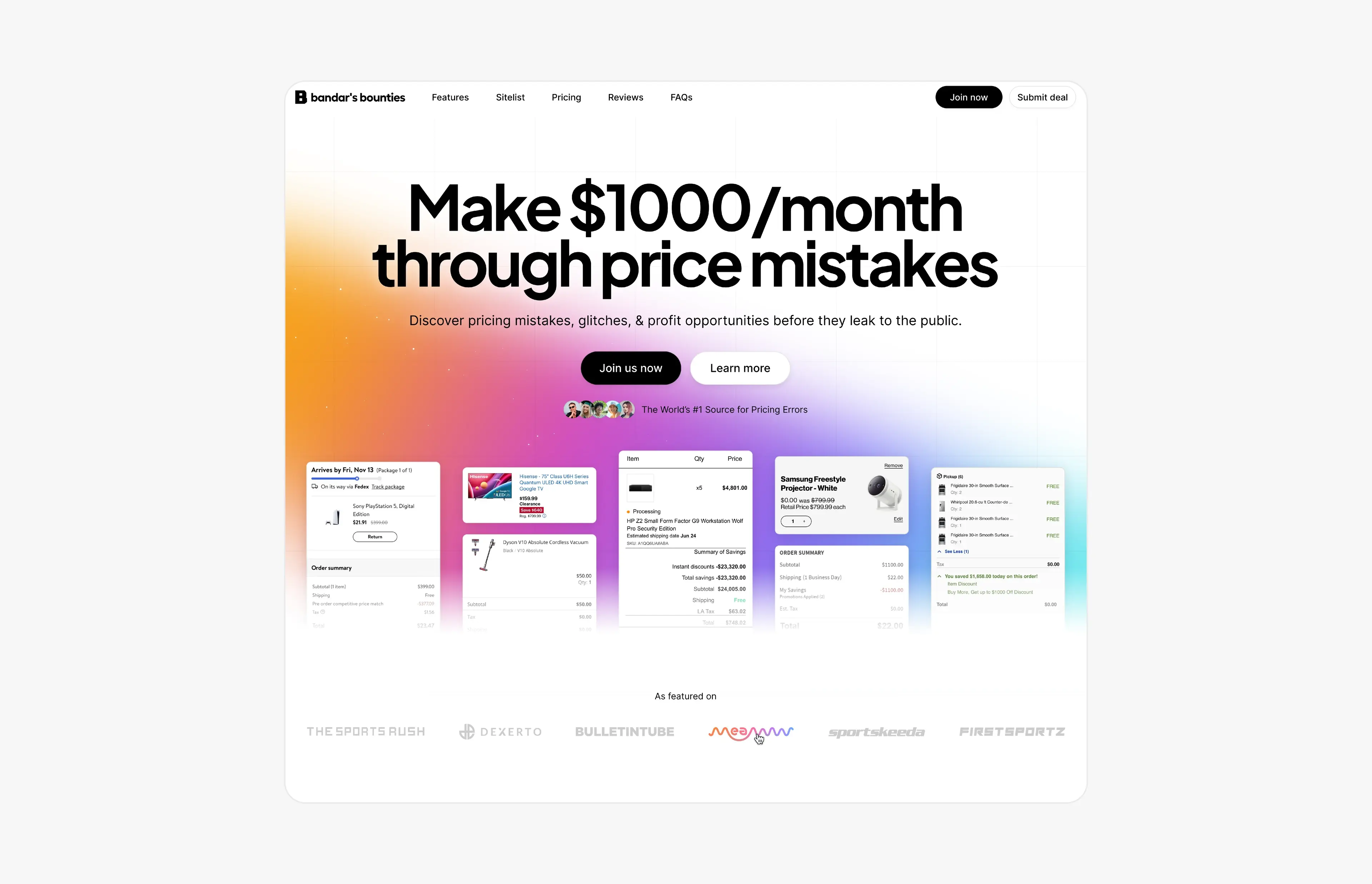
Bandar’s Bounties: a simpler logo and a website for a price-error community
A one-ink logo and a new website for Bandar’s Bounties, a premium Discord group for price errors: a direct hero, a playful pricing toggle and press proof.