
UI/UX design
UI/UX design and redesigns for SaaS, AI and crypto products: clearer navigation, one consistent system and screens people understand at a glance.
Good UI/UX is what makes a product feel reliable. I redesign interfaces for SaaS, AI and crypto products, and design new ones, so people can find things, finish tasks and trust what they see.
A refresh updates the look: colors, type, icons. A redesign also changes structure, navigation and flows. If users struggle to find things or finish tasks, a refresh won’t fix it, so every project starts by working out which one you need.
What’s included
- UX audit of every screen and state, against two or three clear goals.
- Navigation that always says where you are: clear sections, simple page actions, names that don’t change.
- Flows for the journeys that matter, one step per question when a form gets long.
- Interaction: one button system, and every state designed, not just the happy path.
- Accessibility from the start: text contrast that meets WCAG AA, visible focus states, keyboard support and touch targets big enough for a thumb.
- A component library in Figma, so design and development stay consistent.
Products with a lot going on
AI products, dashboards and trading tools carry a lot of information. Two principles keep them usable: a clear hierarchy, so the key numbers stand out from everything around them, and good feedback while things load. In AI products, generation takes time, so progress, previews and history are core screens, not edge cases.
See it in practice in the ChromaAI redesign and the SaaS redesign checklist.
How a project works
Four crisp steps with daily check-ins and zero guesswork, so every project stays on track and ships on time.
- 01Kick-off. We align on goals, scope, and timeline, then send a clear invoice so everyone knows exactly what’s included.
- 02Project start. Once payment clears, we dive straight in to keep momentum high and your launch date on track.
- 03Daily check-ins. You receive a brief progress note or visual each day, ensuring quick feedback and zero drift.
- 04Ship & refine. We deliver launch-ready files and give you time for a final check or tweak before we wrap.
Selected work
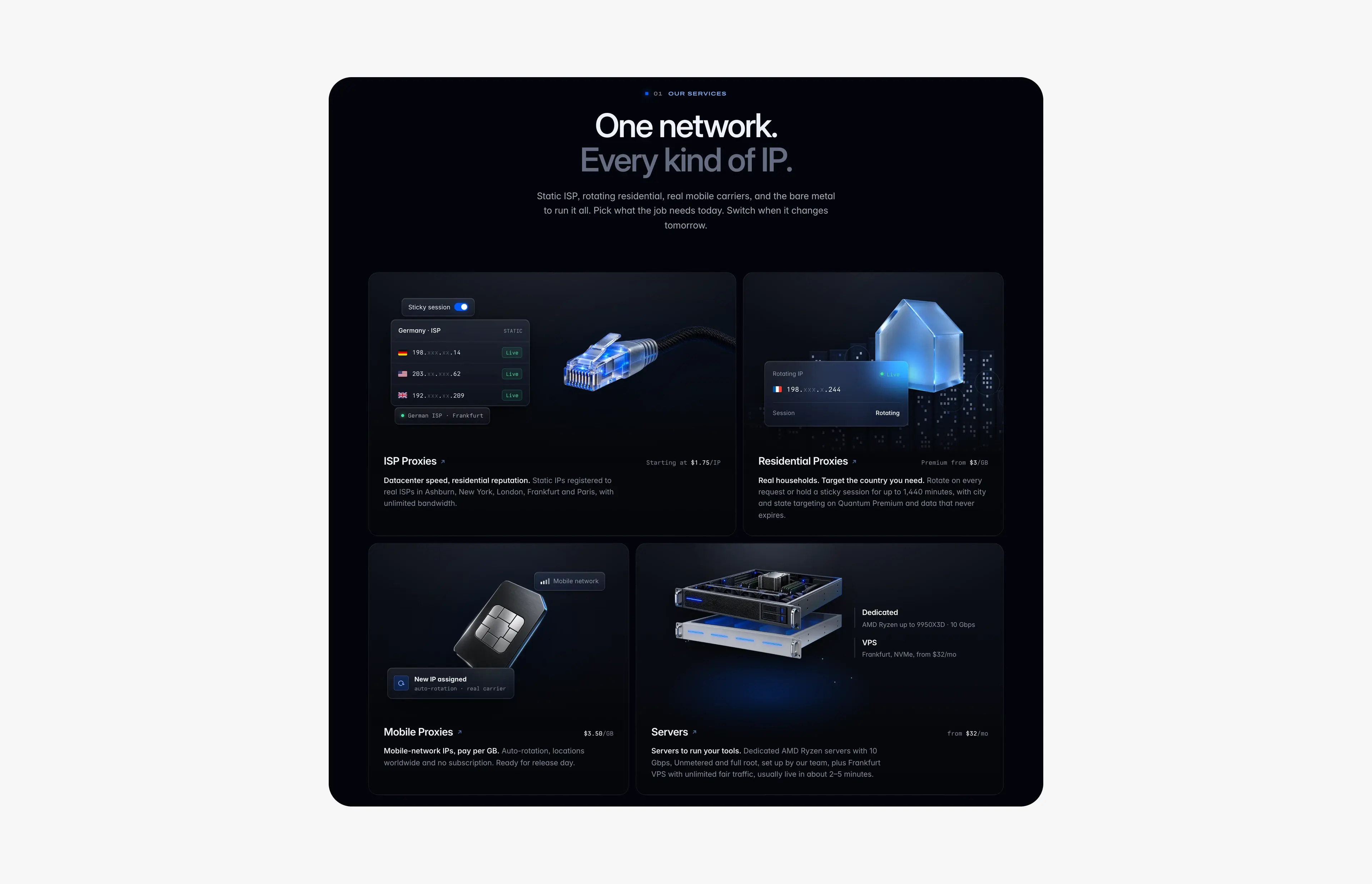
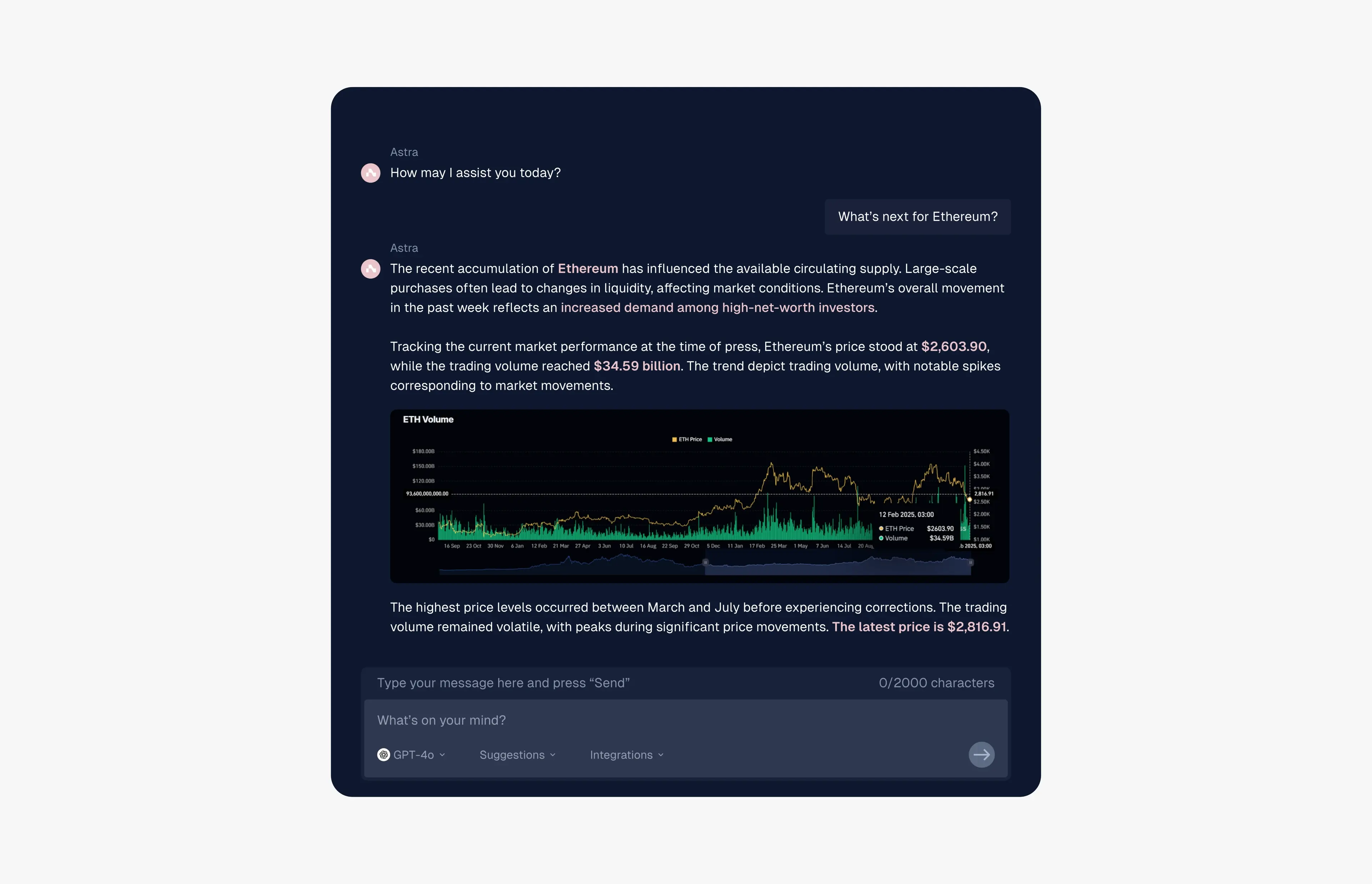
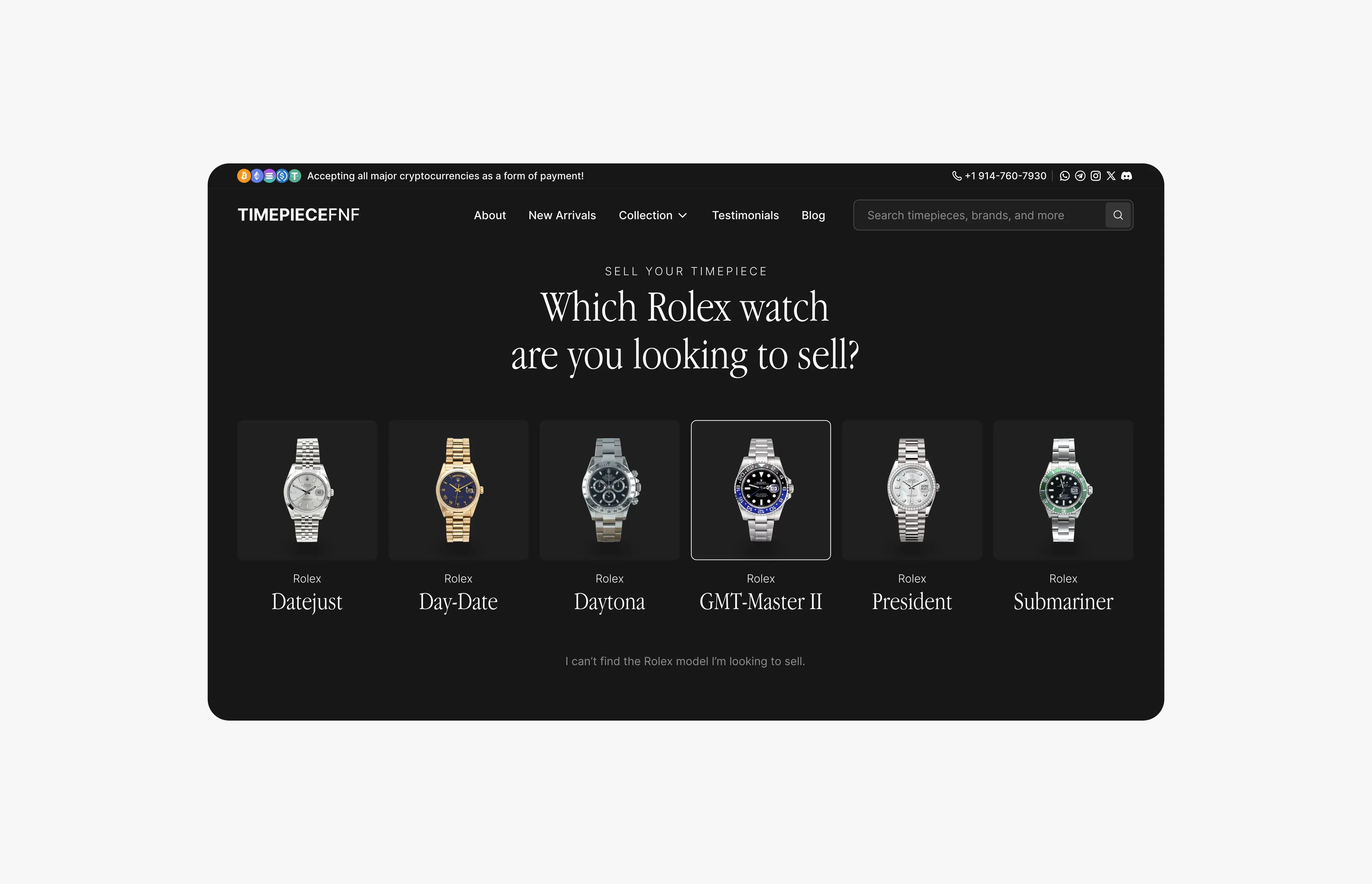
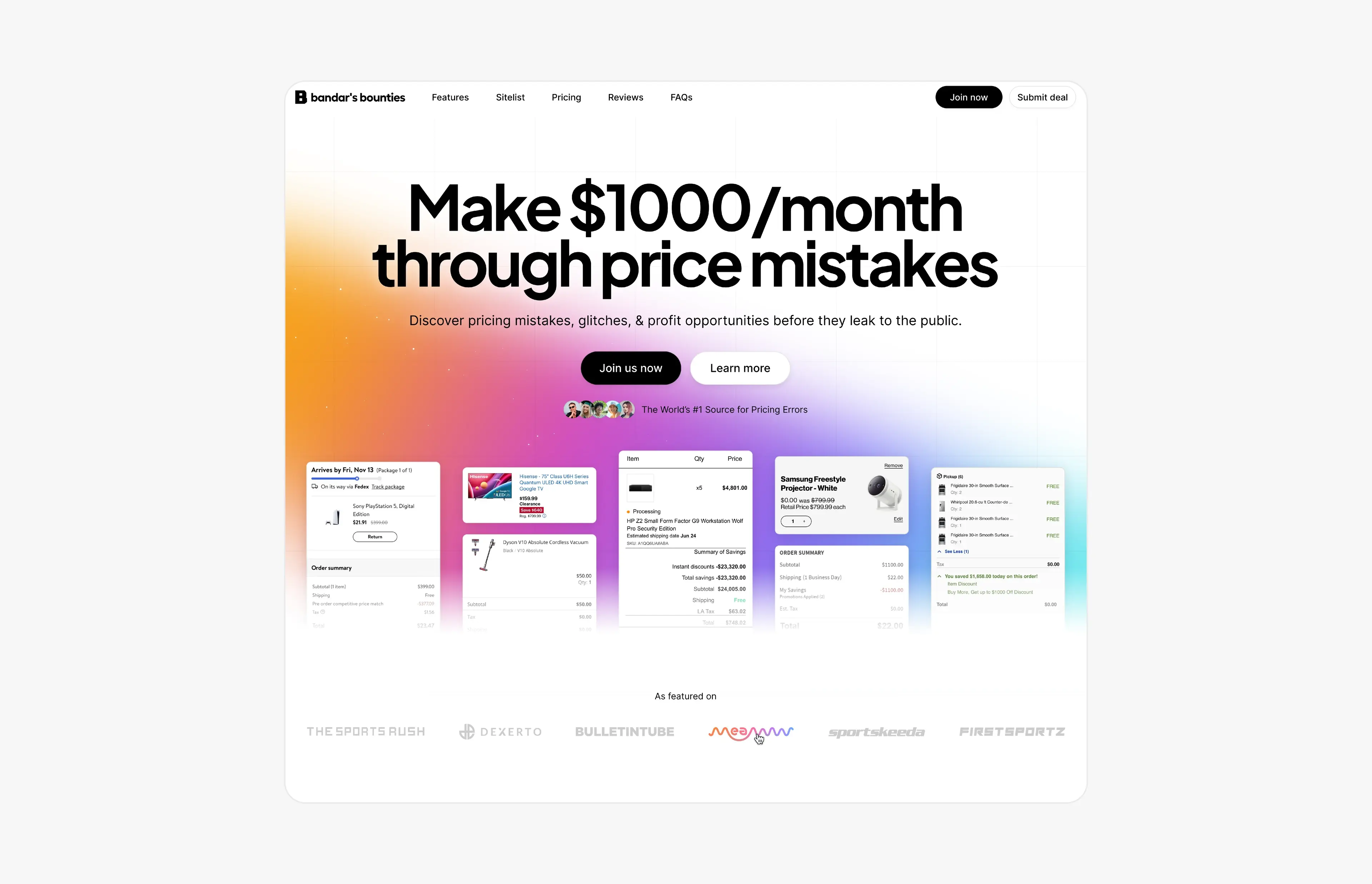
Case studies
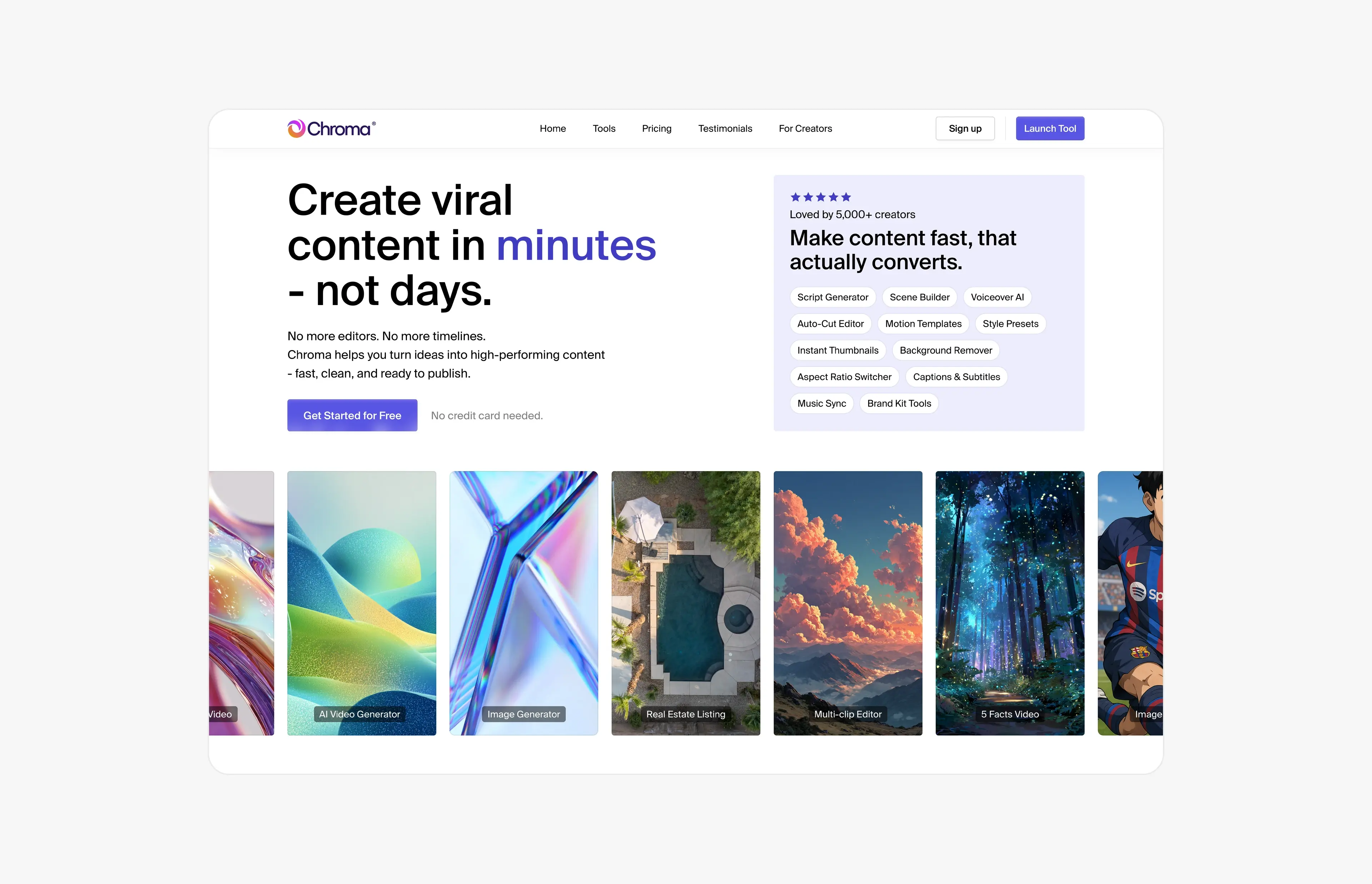
Case study · June 21, 2026 · 5 min read
ChromaAI: redesigning an AI content platform across 100+ screens
How I turned ChromaAI’s MVP into one cohesive creator platform: 100+ redesigned screens, a design system for 10+ AI tools and a 30-second launch video.
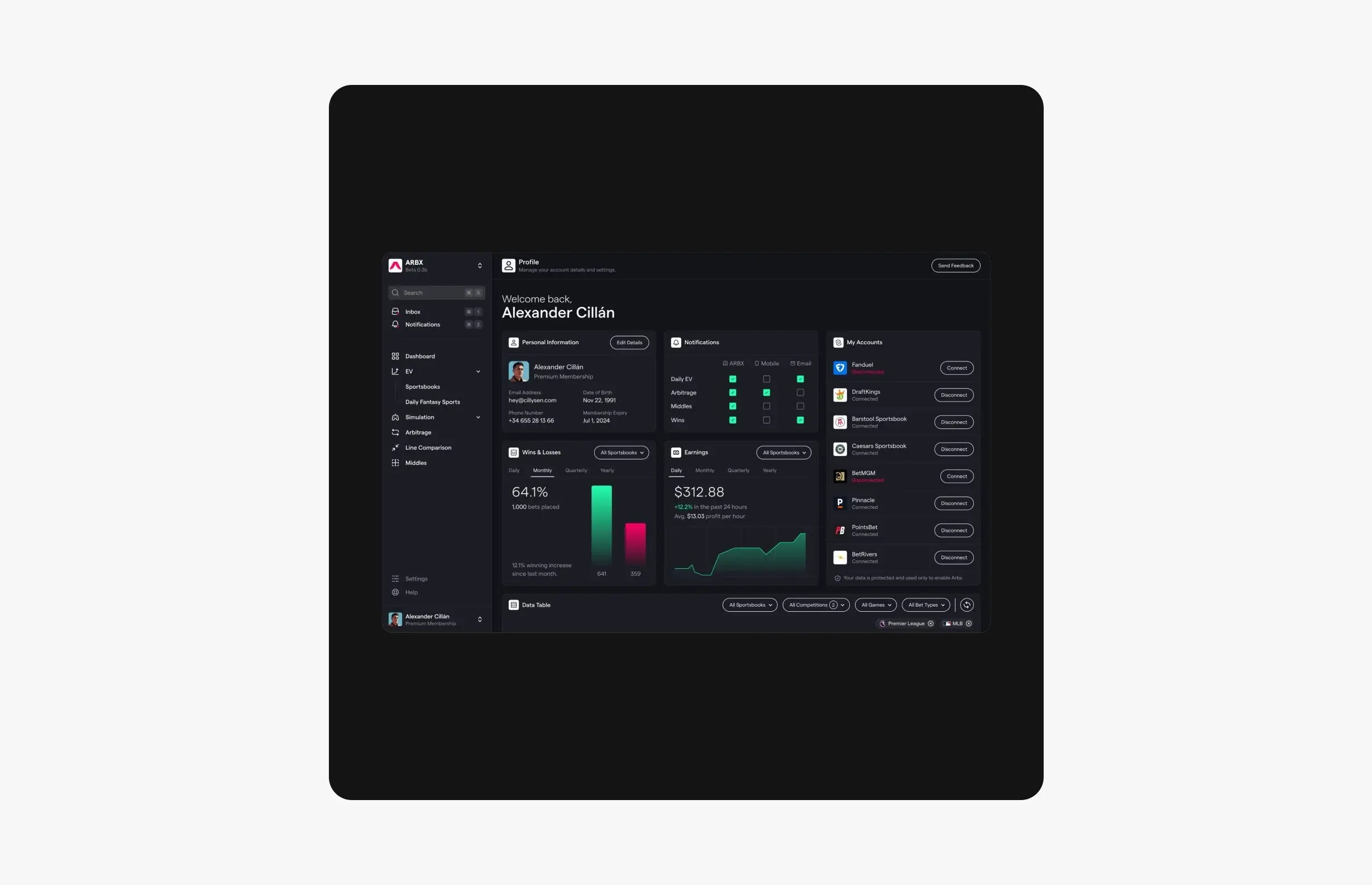
Case study · July 23, 2026 · 5 min read
ArbX: designing a sports analytics dashboard you can read at a glance
How I designed ArbX, a sports betting analytics SaaS: a dark dashboard you can read at a glance, a step-by-step simulator and an animated pricing grid.
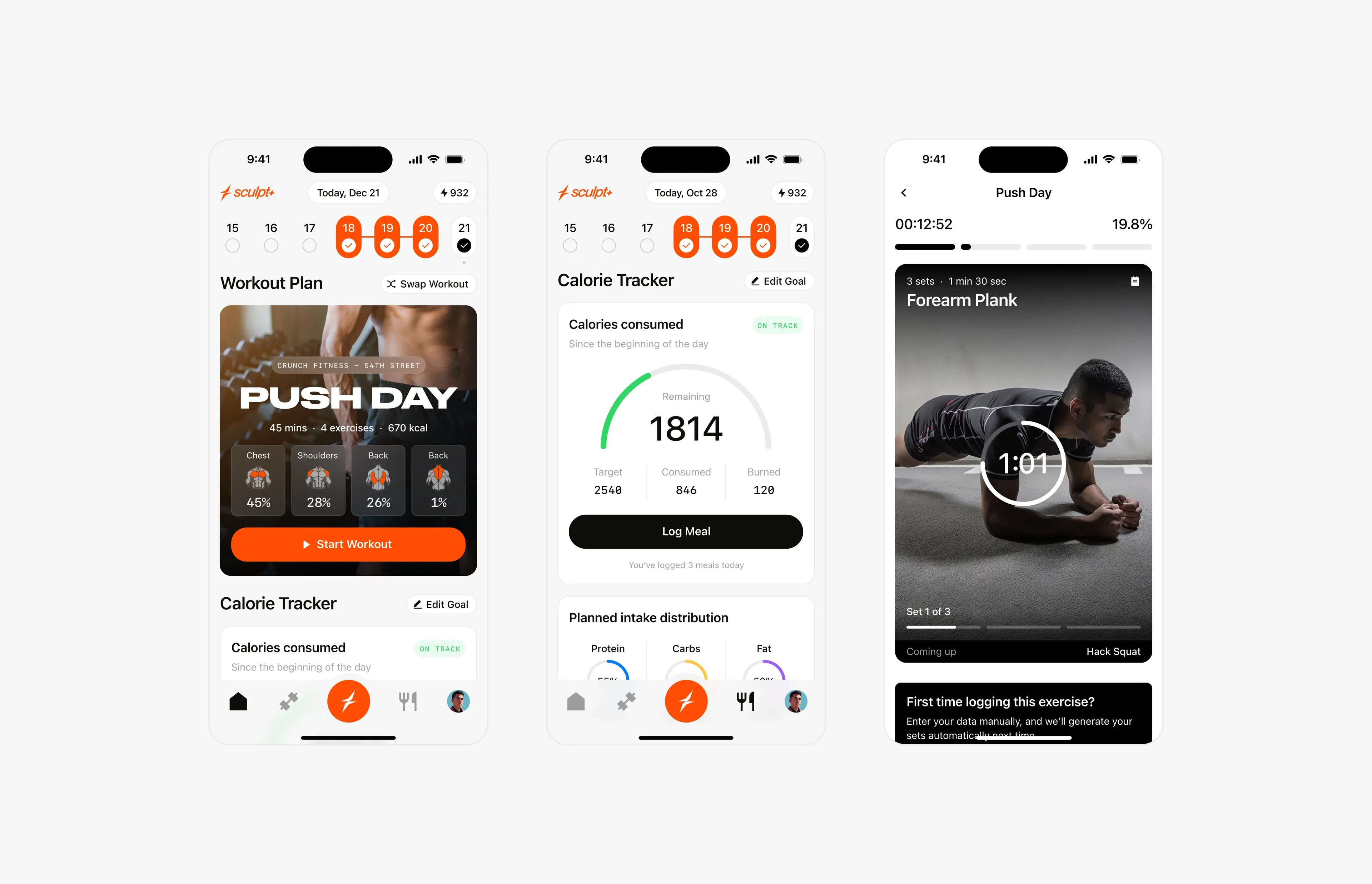
Case study · September 2, 2026 · 6 min read
Sculpt AI: brand, motion and 150+ screens for an AI fitness app
How I led the creative for Sculpt AI: a new brand identity, splash motion, a new user flow and 150+ screens for an AI app that unites workouts and food logging.
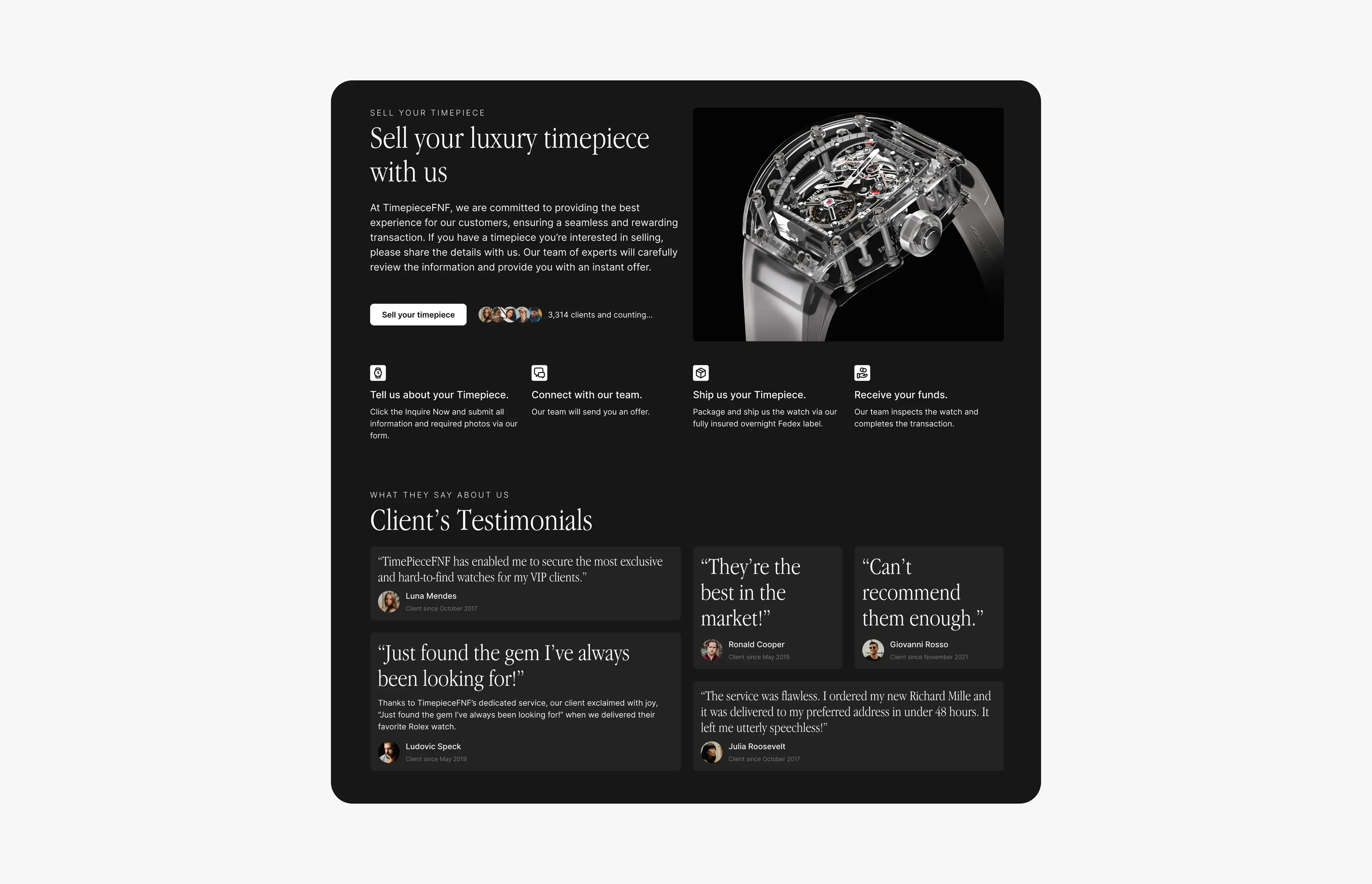
Case study · June 28, 2026 · 4 min read
Timepiece FNF: luxury watch branding, website and a sell-your-watch platform
Brand refresh, a dark-mode website and a multi-step ‘sell your watch’ flow for Timepiece FNF, a luxury watch dealer group with $10M+ in verified sales.
Frequently asked questions
What’s the difference between UI and UX design?
UX is how the product works: structure, navigation, flows and states. UI is how it looks and feels: layout, type, color and components. They’re designed together, because a clear structure needs a clear interface to show it.
What makes UX for AI products different?
Generation takes time and results vary, so loading states, previews, history and retries matter more than in most software. Good feedback makes the product feel fast even when the model isn’t.
Should we build a design system before redesigning screens?
Yes. Agreeing on layout, navigation and core components early means every screen designed afterwards fits together, and new features are much faster to design and build.
How quickly can we start?
It depends on the current schedule. Send a message with your project and deadline, and I’ll reply within 24 hours with availability.